Line B · Mariusz
Automation.
We don't sell digital transformation, and we don't arrive with a finished product to roll out. We start from what the firm already runs on and add only what is genuinely missing.
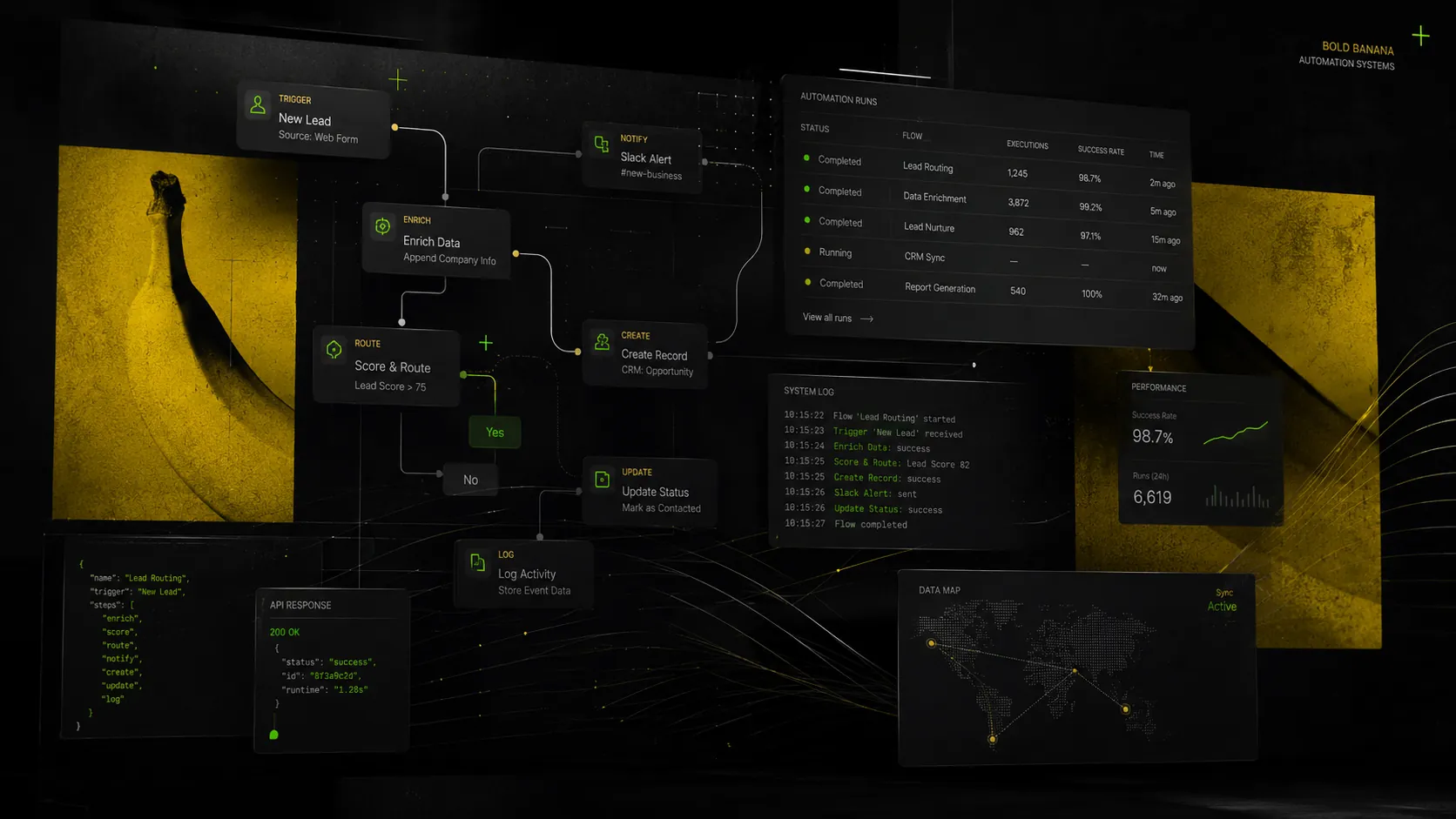 Visualisation
Where we start
With your kit and your software
The scope comes out of what we find: which programs you already have, what hardware they run on, and which step actually hurts. Two firms in the same trade get two different answers from us — and that's the point.
What works stays
If a spreadsheet does its job, we don't replace it with an app for the sake of looking modern. We replace what costs hours or produces errors.
The product fits you, not the reverse
The app follows the process you have. Reshaping a firm around a tool ends with people back in the spreadsheet within a month.
We keep developing it
Going live is not the end. The app grows with the firm — we add modules when a real need appears, not up front in the quote.
Scope
From invoices to delivery punctuality
Automation isn't one department. Below are the things that most often eat time in a small firm — we take them one at a time, not all at once.
Accounts and documents
Invoices, requests, approvals. One path instead of emails and a file called „final_v2”.
The inbox
Sorting, answers to repeat questions, passing things on with the context already sorted.
Complaints
A report lands in one place, gets a number and a deadline. You can see what's stuck and with whom.
Deliveries
What arrived, what's missing, what's late. Without ringing three people to find out.
Punctuality and output
Data collects itself from what you already do. The report shows a trend, not one bad day.
Reports
Data from spreadsheets, the inbox and the system in one place. The report lands on Monday morning without anyone touching it.
Our own system
MonoPilot
MonoPilot is a production management system we built ourselves and that runs in production. It was made for food manufacturing plants — where planning, goods-in and quality control live in spreadsheets, or in an ERP-class system the firm uses a fraction of.
It isn't an off-the-shelf product we bolt onto every client. We show it because it is the best evidence that we build working systems rather than only configuring somebody else's.
See MonoPilotFour things we do in this line
Process analysis
A map of the steps with time and cost, three to five quick wins, and a calculator you keep. A 30–90 day rollout roadmap.
Power Apps and Power Automate
One to four automations delivered, integrations with what you already have, a fixed price and a short deadline.
Mini-copilots on your documents
An assistant that knows your procedures and price lists. It answers from the documents, and outside them it says it doesn't know rather than inventing.
Maintenance and an hours report
Monitoring, error alerts, a monthly health check and small fixes within the plan. The report shows hours and cost, not a count of tasks completed.
How a rollout looks
Day 1
We sit down with your process
Week 1
A map of steps and bottlenecks
Weeks 2–3
A working version in your hands
Week 4
Rollout and team training
Every month
Hours and cost report
What's still to come here
Screen recordings from three rollouts: document flow, building a Power Automate flow, and a mini-copilot on documents. Until our own recordings exist we describe the process in words — we don't show screenshots of anyone else's systems.